The virtual club test for DJs and producers
Your track. In the club.
Hear your track in the club, before the club. Your mix sounds huge in headphones. Venue Sim plays it through a modelled room, with the sound system, the reverb and the crowd, from wherever you stand on the floor. It runs in your browser, with nothing to install.
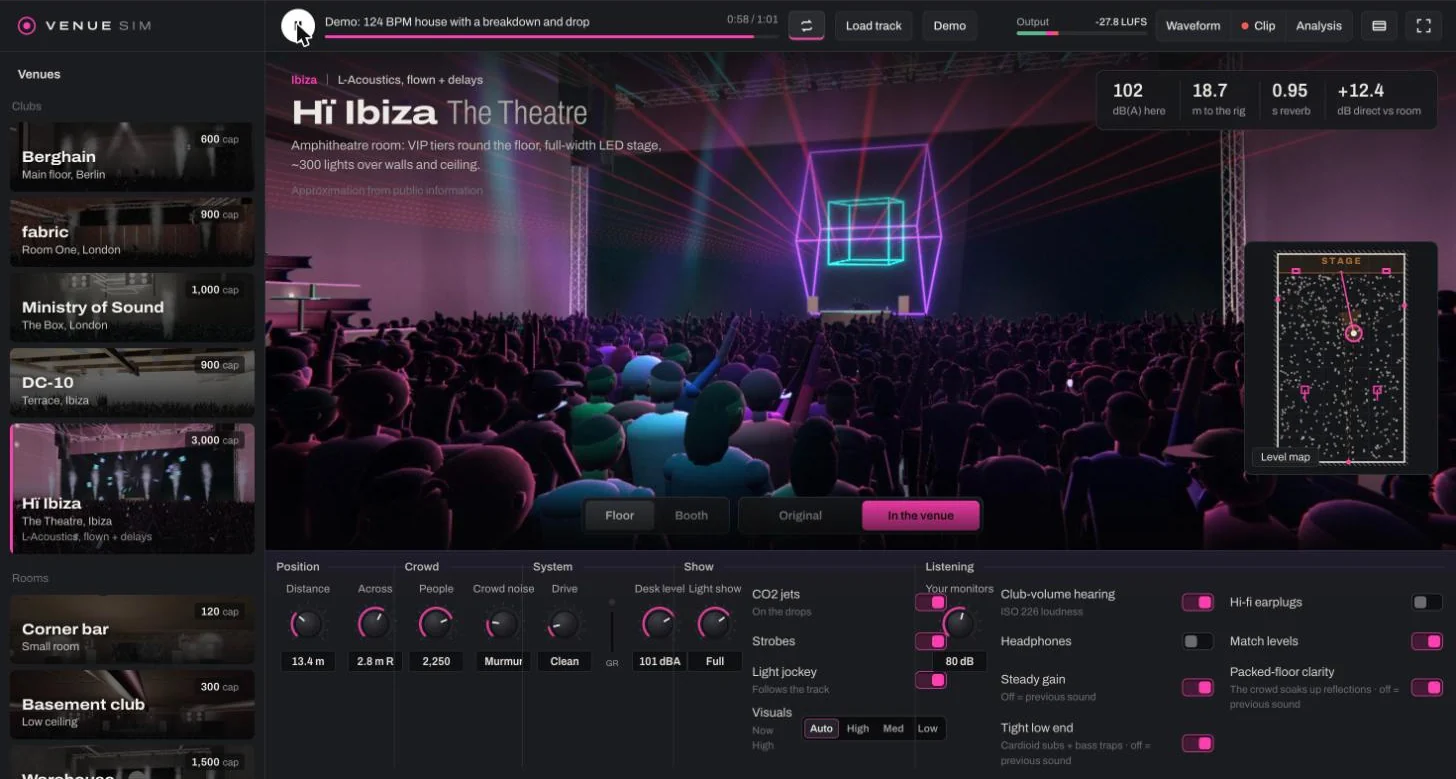
Hear the room.
Check the mix where it's actually going to play. Headphones and studio monitors flatter a track. A packed room with a big rig doesn't. Venue Sim shows you what happens in between.
Real room acoustics
Each room has its own speaker system, reverb, air and crowd. The sound changes as you walk from the front of the floor to the back bar.
Original vs in the venue
One switch flips between your raw track and the room. Levels are matched, so you hear what the room does and not just that it's louder.
Mix notes
Analysis reads your track's structure, finds the drops and flags what tends to go wrong on a big system, like sub buildup and weak drops.
Stand anywhere
Front row, back wall or in the booth. A level map shows how loud each spot is, and earplug and club-volume hearing modes go with it.
The show follows your track
Lights, lasers, CO2 and the crowd react to your kicks, builds and drops, so you can see whether the drop lands.
Drop clips
Export a vertical video of your drop playing in the room, ready for Reels and TikTok.
Made for the floor.
Eleven rooms, from a corner bar to a 3,000‑cap theatre. Five are modelled on well-known clubs from public information about their rooms and sound systems. Six are the kinds of room you'll actually get booked in.
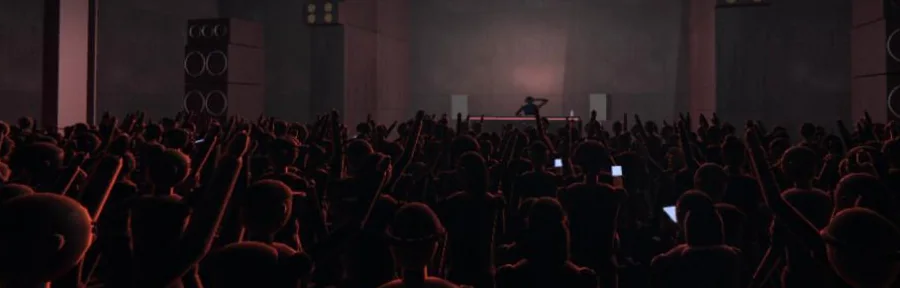 600 cap
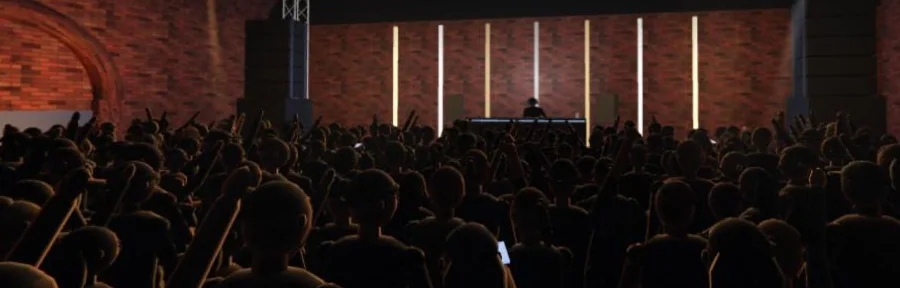 900 cap
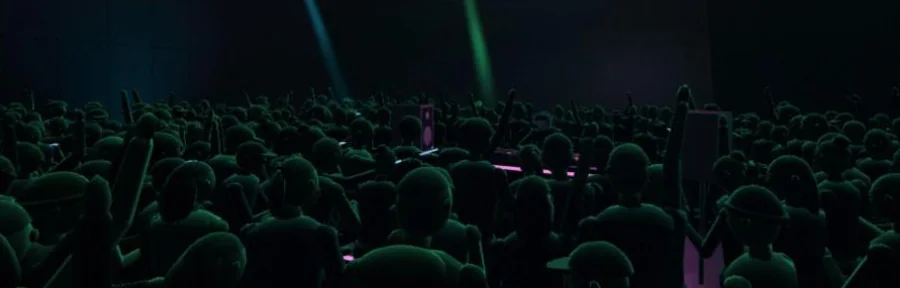 1,000 cap
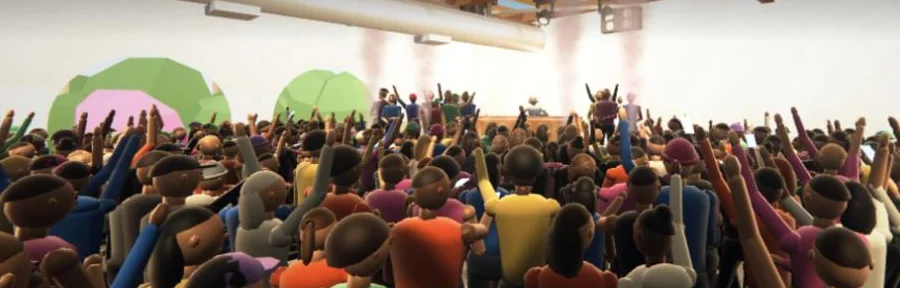 900 cap
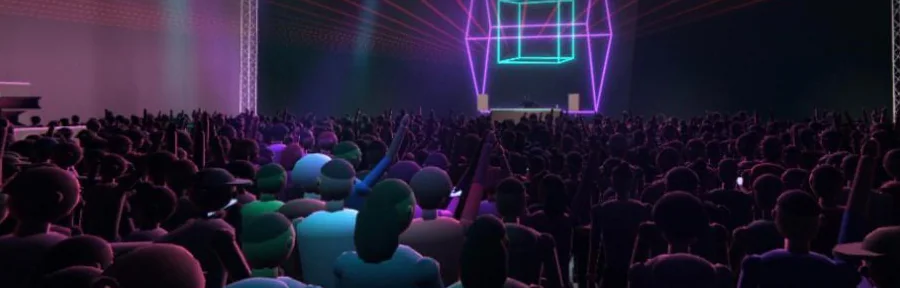 3,000 cap
Plus: corner bar, basement club, warehouse, festival tent, arena and a forest stage.
The club rooms are approximations based on public information. Venue Sim isn't affiliated with or endorsed by any venue.
Before the drop.
Free for 50 people who'll tell me what they think. I'm building Venue Sim for working DJs and producers. Before it opens to everyone, I want 50 of you using it on real tracks and telling me honestly what works and what doesn't.
Apply
Tell me who you are and what you play. If you're picked, you'll get your access link by email.
Use it and send feedback
Run your own tracks through it and send me your feedback within 14 days of getting access.
Get 3 months free
Once your feedback is accepted, 3 free months are credited to your account for when Venue Sim launches.
Club test your next track.
Get one of the 50 free spots. It takes a minute. Spots go to people who'll actually use it on their own music, so tell me a bit about what you do.
- Price Free during early access
- Spots 50
- Feedback due 14 days after you get access
- Reward 3 months free
- You need Laptop, Chrome, headphones
Good to know.
Is it really free?
Yes. Early access costs nothing. Once your feedback is accepted, you also get 3 free months for when Venue Sim launches.
What counts as feedback?
Your honest take after using it on your own tracks: what sounded right, what sounded off, what confused you and what you'd pay for. A few clear paragraphs, a voice note or a short screen recording all count.
When will I hear back?
Spots go out in small batches. If you're picked, you'll get an email with your access link, and your 14 days start from that email.
What do I need to run it?
A laptop or desktop with a recent Chrome or Edge (Safari and Firefox work too), and good headphones or monitors. It runs in the browser, so there's nothing to install. Your tracks stay on your machine.
Are these the real clubs?
The club rooms are modelled from public information about each room's size, shape and sound system, so they're close approximations, not official recreations. Venue Sim isn't affiliated with any venue.